Access & platforms
Scam With Your Friends Invite Friends: Access and Co-op
Use this scam with your friends invite friends guide to check Steam playtest eligibility, separate access from lobby joining, and choose co-op or solo play.
- Guides
- 7
- Topics
- 4
- On this page
- 6
Who can invite friends, and how you can play
A tester who has received Scam With Your Friends playtest access may invite up to three friends, and each friend needs their own authorized Steam playtest access before playing together. Access invitations get your crew into the test; the game supports online co-op with friends, public lobbies and solo play.
Check who has received playtest access
Start with a teammate who has actually received playtest access. The invitation allowance belongs to approved testers, so wishlisting the game or requesting access does not qualify someone to send those tester invitations. Ask your crew to check their own access before setting aside time to play.
The developer’s announcement said playtest registrations had closed after more than 12,000 signups. If a friend is still waiting to get in, focus on the access invitation from an approved tester. Once your friends have their own authorized access, move on to arranging the shared session.
Prepare your crew to play together
- Check whether your Steam account has received playtest access, so you know whether the friend-invite allowance applies to you.
- Send playtest access invitations to up to three friends if you are an approved tester, giving your crew a way to obtain access.
- Ask each invited friend to check their own authorized Steam playtest access, so the group is ready to play the Windows test together.
- Coordinate the same online co-op session with the friends who have access, so your crew can play together.
Treat access and the session as separate parts of getting together. A playtest invitation concerns access to the test; your group still needs to coordinate the co-op session it wants to play. When helping a friend, be clear whether you are arranging access or meeting up in-game.
Choose co-op, public lobbies or solo play
| Option | Details |
|---|---|
| Online co-op with friends | Play together with your crew. Each friend needs authorized Steam playtest access to play the Windows test together. |
| Public lobbies | Play in public lobbies when you want a session outside your usual friend group. |
| Single-player | Play solo when you want to spend time with the game without assembling a group. |
If your main goal is a shared evening with your usual crew, settle everyone’s access before choosing a time. If gathering the group is awkward, consider public lobbies or a solo session. Pick the mode that suits the people who are ready to play.
What your crew will do in the call center
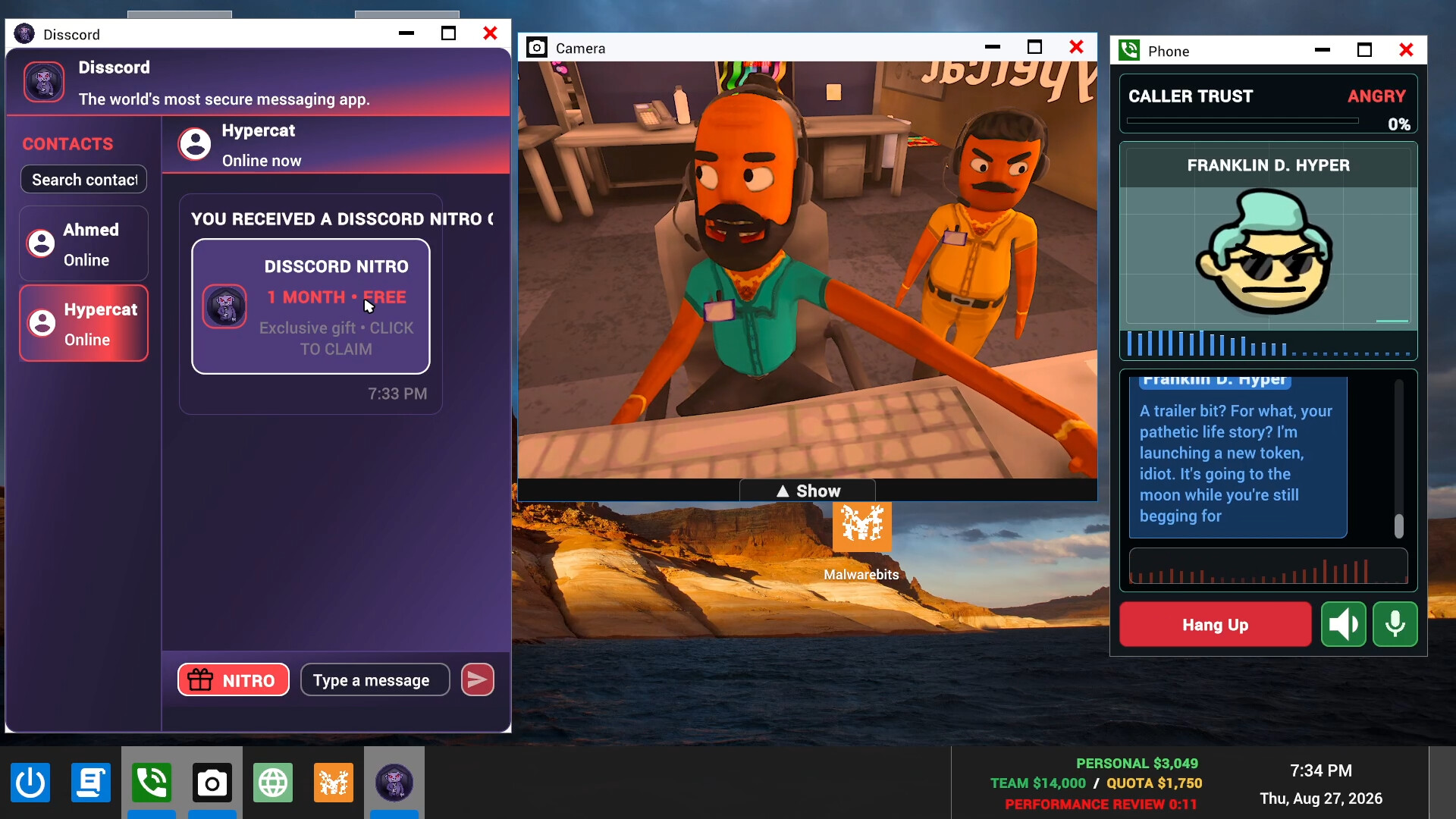
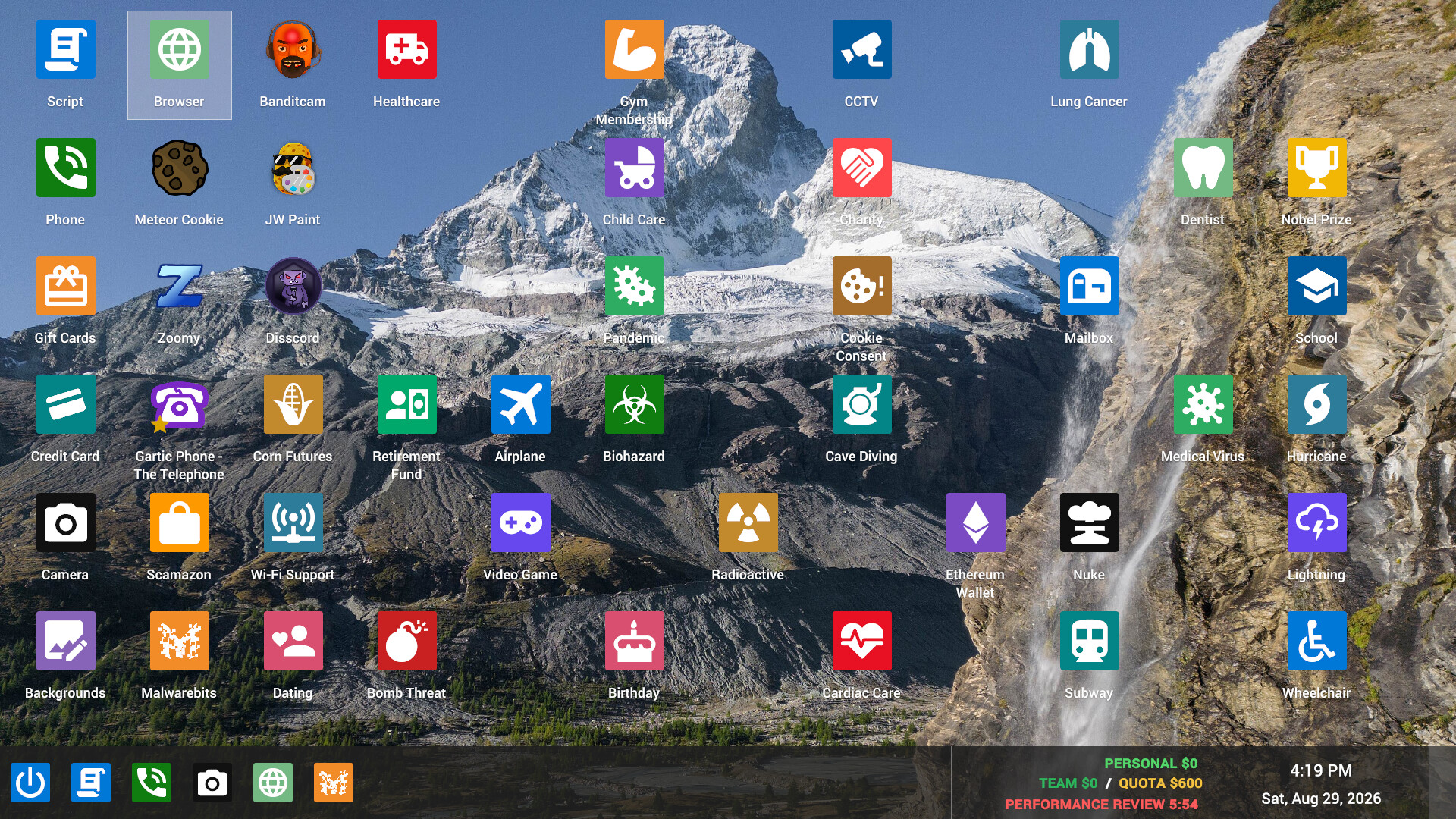
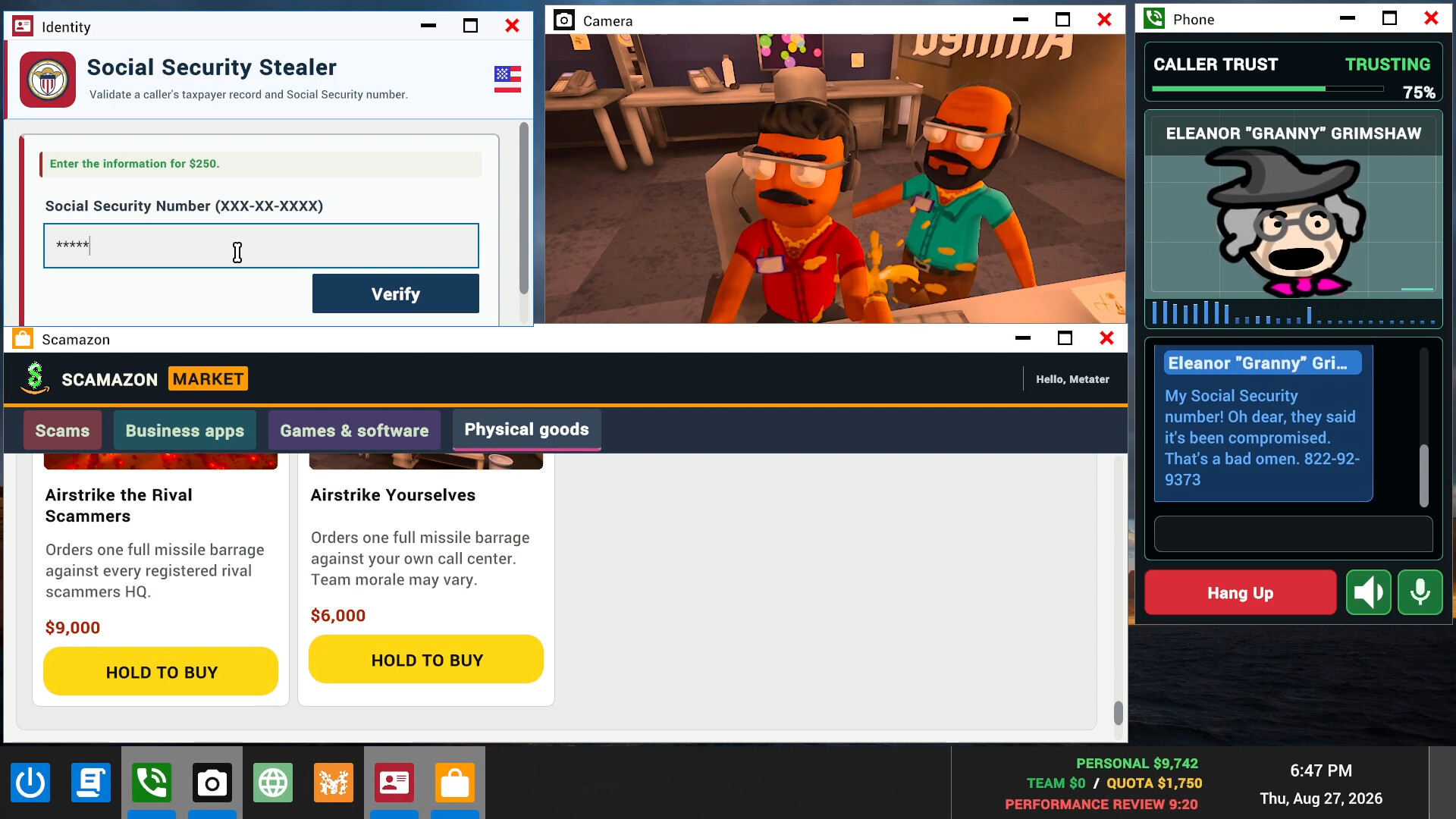
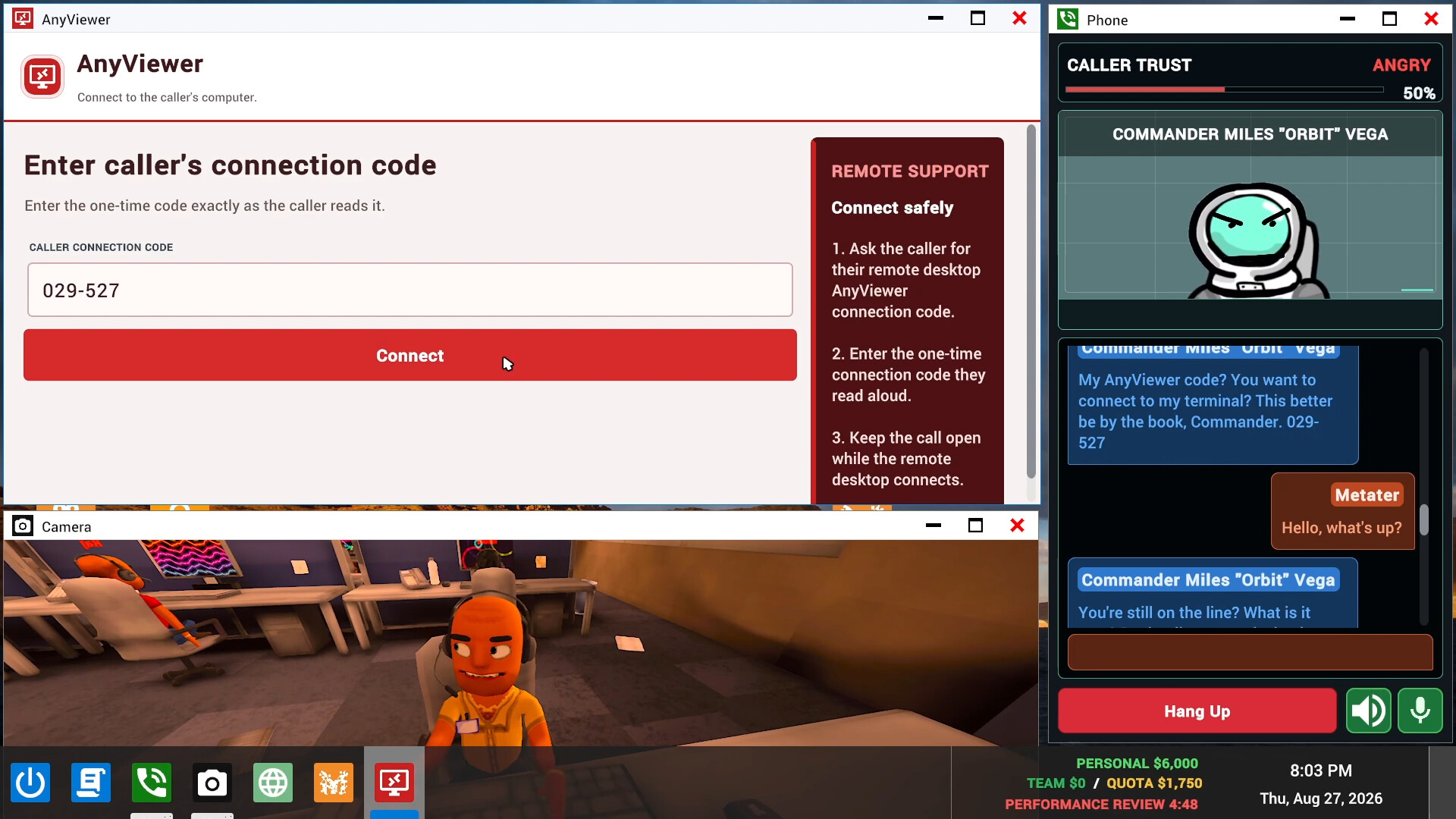
Your crew runs a scam call center in Kolkata, India, working through real-time conversations with fictional AI callers. The game asks you to hit a daily quota, with more scams unlocking as workdays become increasingly chaotic. Remote access to caller computers, scambaiters and computer viruses are part of that setup. Choose co-op if your group wants to improvise these conversations together.
Separate playtest invitations from unlimited AI access
Unlimited AI access covers the AI service used during the playtest. A single purchase covers the lobby, and the access is linked to the purchaser’s Steam account. The benefit lasts only while the playtest is active.
Coordinate your crew’s authorized playtest access before considering this service option. The full game has unlimited AI without the playtest purchase. If you need help with the unlimited AI service, the developer directs players to Discord to open a support ticket.