Help & community
Scam With Your Friends FAQ: Demo, Price and Platforms
Use this scam with your friends faq to compare Steam playtest access, planned release dates, Windows requirements and the optional Unlimited AI upgrade.
- Guides
- 7
- Topics
- 4
- On this page
- 7
The quick access and release answer
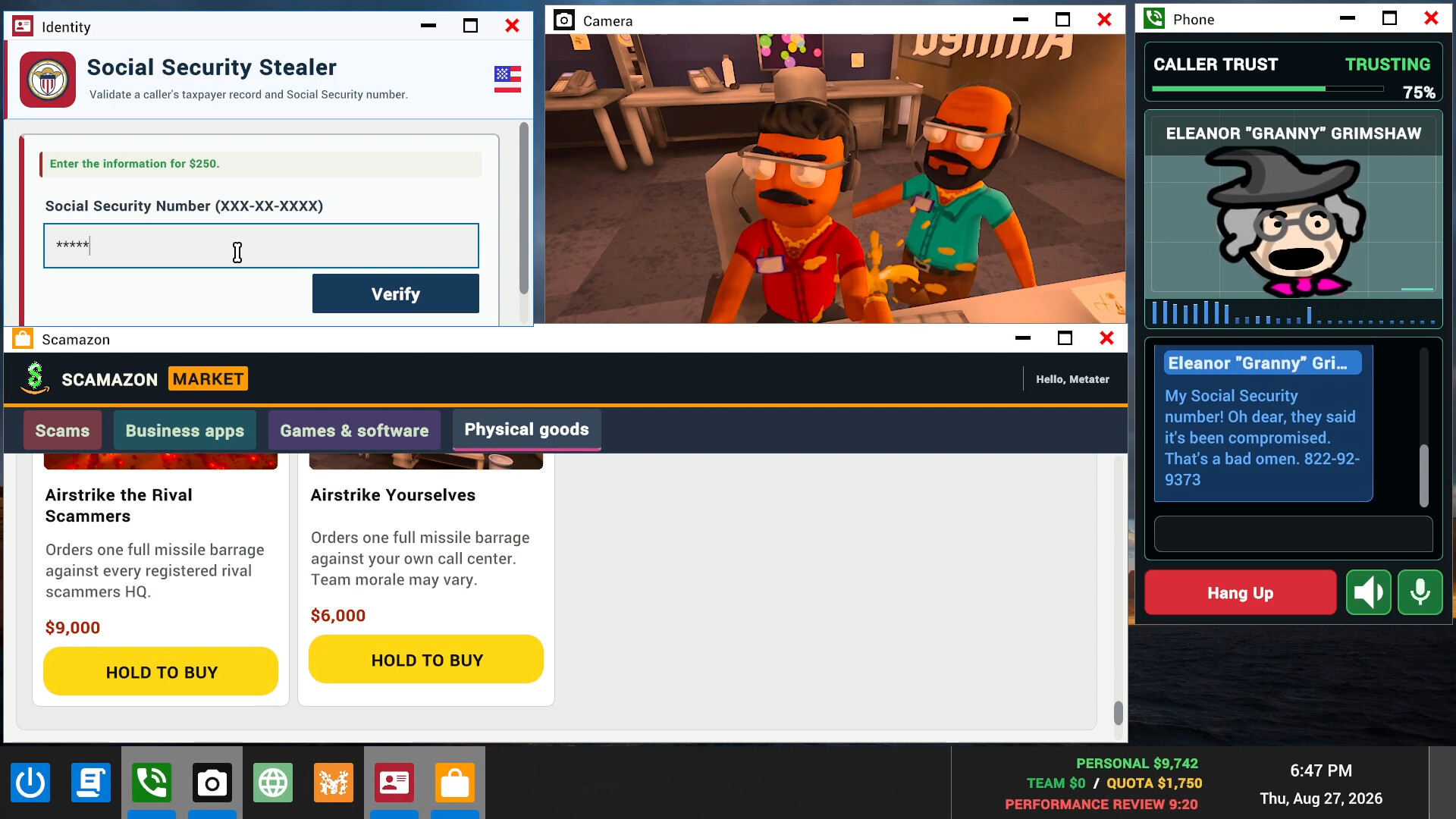
Scam With Your Friends is a paid Windows game on Steam, with an access-limited playtest and a planned Early Access launch on October 15, 2026. Its retail price is not published, and the optional $8 Unlimited AI playtest upgrade does not grant game access.
Demo, price, release dates and platforms
- How much does Scam With Your Friends cost, and is it free?
- The Steam game is paid, but its retail price has not been published and the developer says full-release pricing is not finalized. Free AI credits are available for the playtest, alongside an optional $8 Unlimited AI upgrade. That payment buys the playtest AI upgrade and does not buy access to the game.
- When is the release, and what is planned after launch?
- Steam lists October 15, 2026 as the planned Early Access launch, followed by approximately two months in Early Access and a tentative full-release target of mid-December 2026. The developers plan additional scam scenarios, fictional callers, progression and office interactions. Treat those dates as release targets and check the Steam page again before making launch-day plans.
- Can I play on Windows, Xbox, Mac, Linux or Roblox?
- The Steam version lists Windows 10 and Windows 11, 64-bit, with a broadband internet requirement. The Steam listing does not announce native Mac, Linux or console editions. Roblox separately hosts a Jatater Worldwide experience identifying itself as the official Roblox version; open that product page if you want the Roblox experience.
Find the version you want to play
- Open Scam With Your Friends on Steam to read the access information for the Windows game and its planned public release.
- For the Steam playtest, check whether your account has been approved before planning to play. The test is limited to approved Steam accounts.
- If you want to play through Roblox, open the separate official Roblox version of Scam With Your Friends.
Playtest credits and full-release AI access
| Option | Access and payment details |
|---|---|
| Steam playtest | An unfinished test for approved Steam accounts. Free AI credits are available during testing. |
| Unlimited AI playtest upgrade | Optional $8 upgrade that lasts only while the playtest is active. One purchase covers the lobby and is linked to the purchaser's Steam account; it does not buy game access. |
| Steam full release | The Steam game is paid, with retail pricing not yet published. The full game includes unlimited AI, so the playtest upgrade is not needed for the full release. |
For a group planning to buy the playtest upgrade, agree on the purchasing account first. The purchase is linked to that Steam account and covers the lobby. Keep its playtest-only duration in mind when deciding whether it suits your plans.
Activate the optional Unlimited AI upgrade
- Open the Unlimited AI access page and link the Steam account you have already used to play. Linking an account that has not played will not allow a purchase.
- If you choose to buy the upgrade, complete payment through Stripe. Unlimited AI access lasts only while the playtest is active.
- If activation takes longer than expected, join the official Discord and open a support ticket with the reference shown on the access page. You do not need to pay again.
Check the Windows minimum requirements
Compare your PC with the listed minimum requirements before deciding where to install the Steam game. Check your operating system, graphics card and available storage. If you are arranging a group session, ask your friends to make the same check before settling on a time.
| Option | Minimum requirement |
|---|---|
| Operating system | Windows 10 / 11 (64-bit) |
| Processor | Intel Core i5-8400 / AMD Ryzen 5 2600 |
| Memory | 3 GB RAM |
| Graphics | NVIDIA GTX 1060 (6 GB) / AMD RX 580 |
| DirectX | Version 11 |
| Network | Broadband internet connection |
| Storage | 5 GB available space |
Playing alone, joining others and language support
- Can I play alone or join other players?
- Steam lists single-player alongside multiplayer, co-op and online co-op. The game also advertises playing with friends or public lobbies. Choose the format you prefer when making plans, whether you want to try it alone or play with company.
- Does the Steam game support English audio?
- English is listed with full audio support. The supported-language list also includes Russian, French, German, Simplified Chinese, Japanese and Korean with full audio support. Check the Steam language list if your group wants to play in another language.