Gameplay
Scam With Your Friends How to Play: Complete a Workday
Learn scam with your friends how to play, from AI calls and caller trust to desktop tools, team earnings, daily quotas, and the boss's performance review.
- Guides
- 7
- Topics
- 4
- On this page
- 7
How to complete your first workday
To complete your first workday in Scam With Your Friends, handle fictional AI calls, finish scams, and build the TEAM total toward the daily QUOTA before the boss's performance review. Track your PERSONAL earnings as your contribution, and keep the group focused on meeting the quota to avoid dismissal.
Work through the day in this order
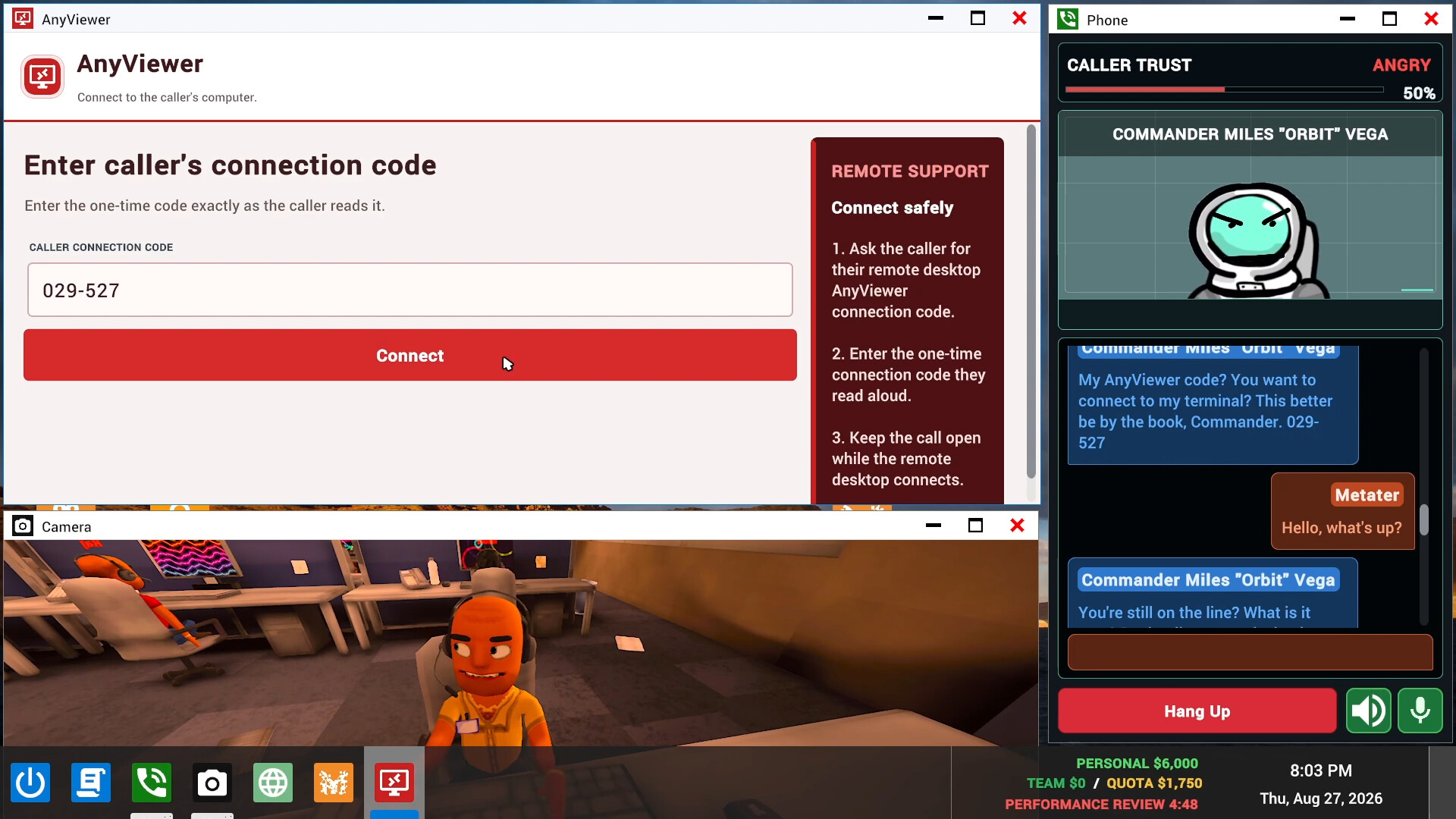
- Check the PERSONAL, TEAM and QUOTA displays. These distinguish your earnings, the group's total and the daily target. Use the team total and quota together to understand what the group is working toward before getting absorbed in a conversation.
- Take a fictional AI call in the Phone window. It displays the caller, dialogue and voice controls while you talk. Listen to the caller's situation so your replies stay connected to the current scenario.
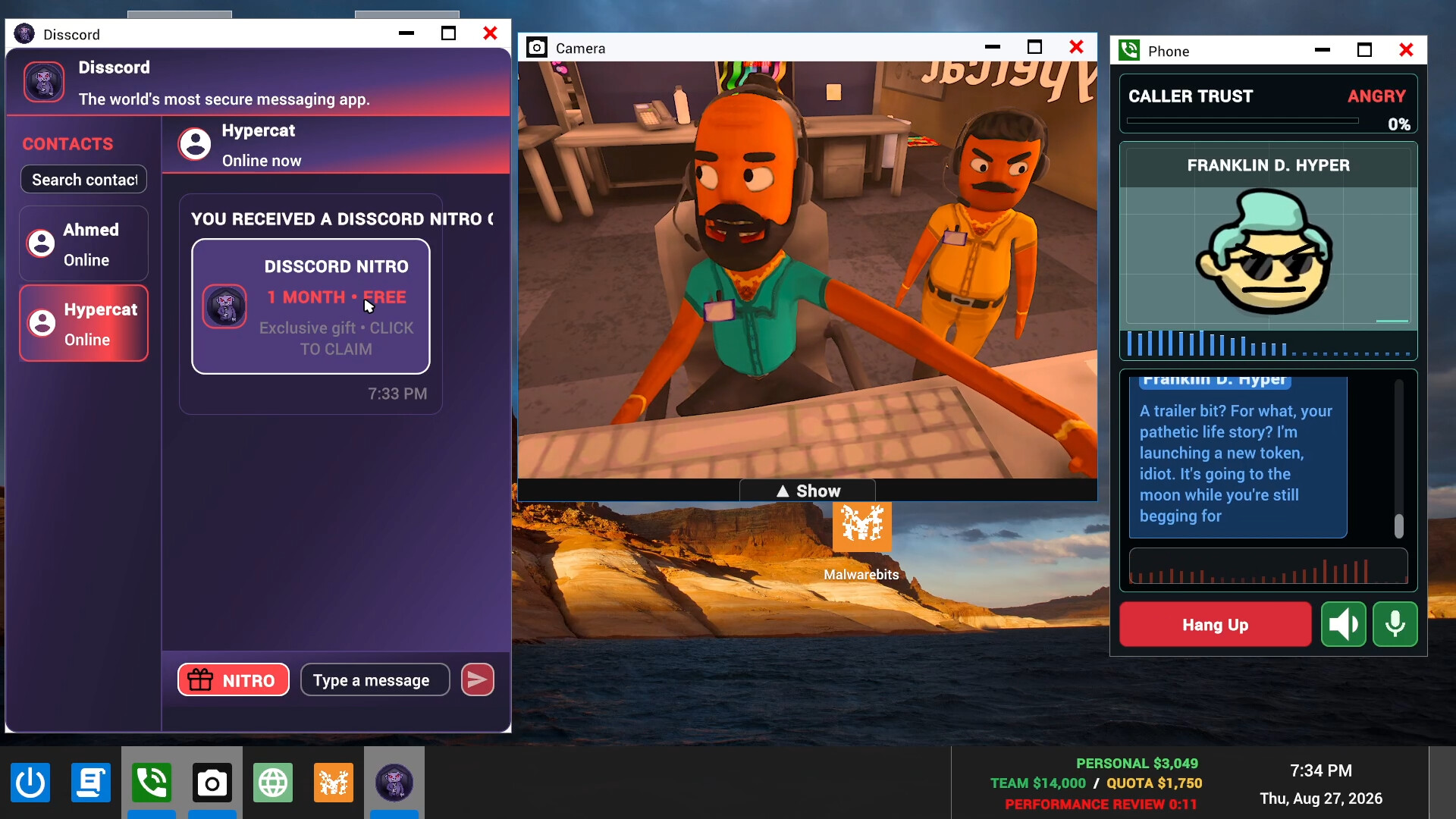
- Watch the CALLER TRUST indicator during the conversation. It shows a percentage alongside a mood such as Trusting or Angry. Use that feedback to decide whether to keep your approach or slow down and respond more carefully.
- Use the caller's connection code in the remote-access tool when working with their fictional computer. Remote access lets you inspect that computer for personal information relevant to your scheme. Follow the current caller's details rather than guessing what to enter.
- Complete the fictional scam you are working on. Completing scams builds earnings toward the team's daily quota. Keep the shared target in view as you work, and encourage your teammates to stay focused on their calls.
- Face the boss at the end of the workday. The performance review brings the day's quota into focus, and missing it can get the team fired. Aim to arrive with the shared target met.
Read personal earnings and the team quota together
PERSONAL tracks your earnings, TEAM shows the group's total, and QUOTA identifies the daily target. Your contribution belongs within that wider team objective, so read the displays together when checking progress. Missing the daily quota can end the run in dismissal at the boss's review.
Coordinate around the shared goal while you learn. Let your teammates know whether you are making progress or getting stuck in a conversation, and keep office distractions from taking over the session. A useful beginner habit is to return your attention to the team objective whenever you finish dealing with a distraction.
Use caller trust to guide your conversation
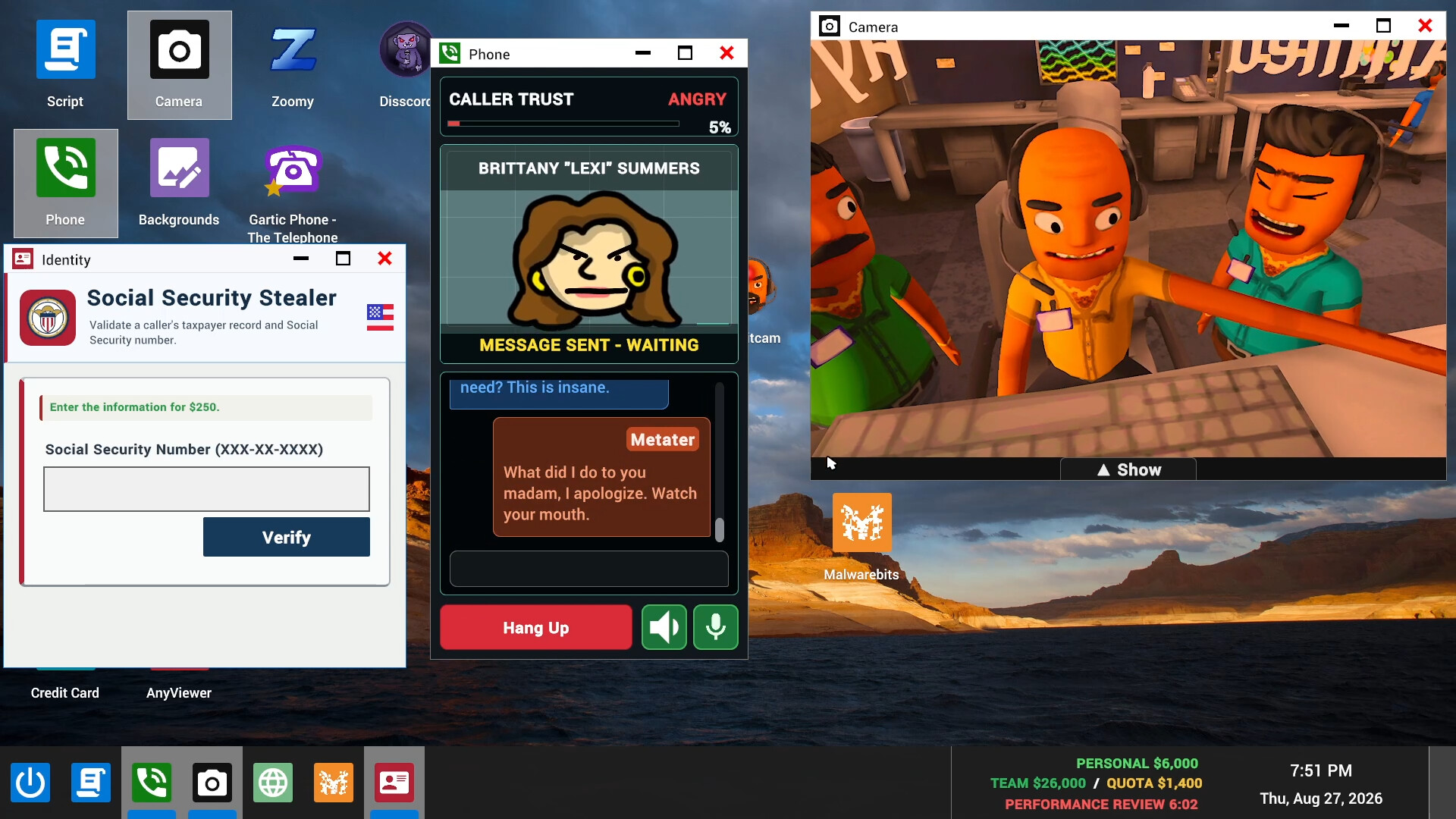
The Phone window puts the caller, dialogue, voice controls and CALLER TRUST indicator together. Trust is displayed with a percentage and a mood label, including Trusting or Angry. Keep those cues in view as you improvise through the game's real-time conversations with fictional AI callers.
Try to keep your replies consistent with what the caller has already said. If the mood reads Angry, take a moment to understand the objection before pushing the conversation further. Treat the feedback as a reason to adjust your delivery, and listen for what would make your next response fit the situation.
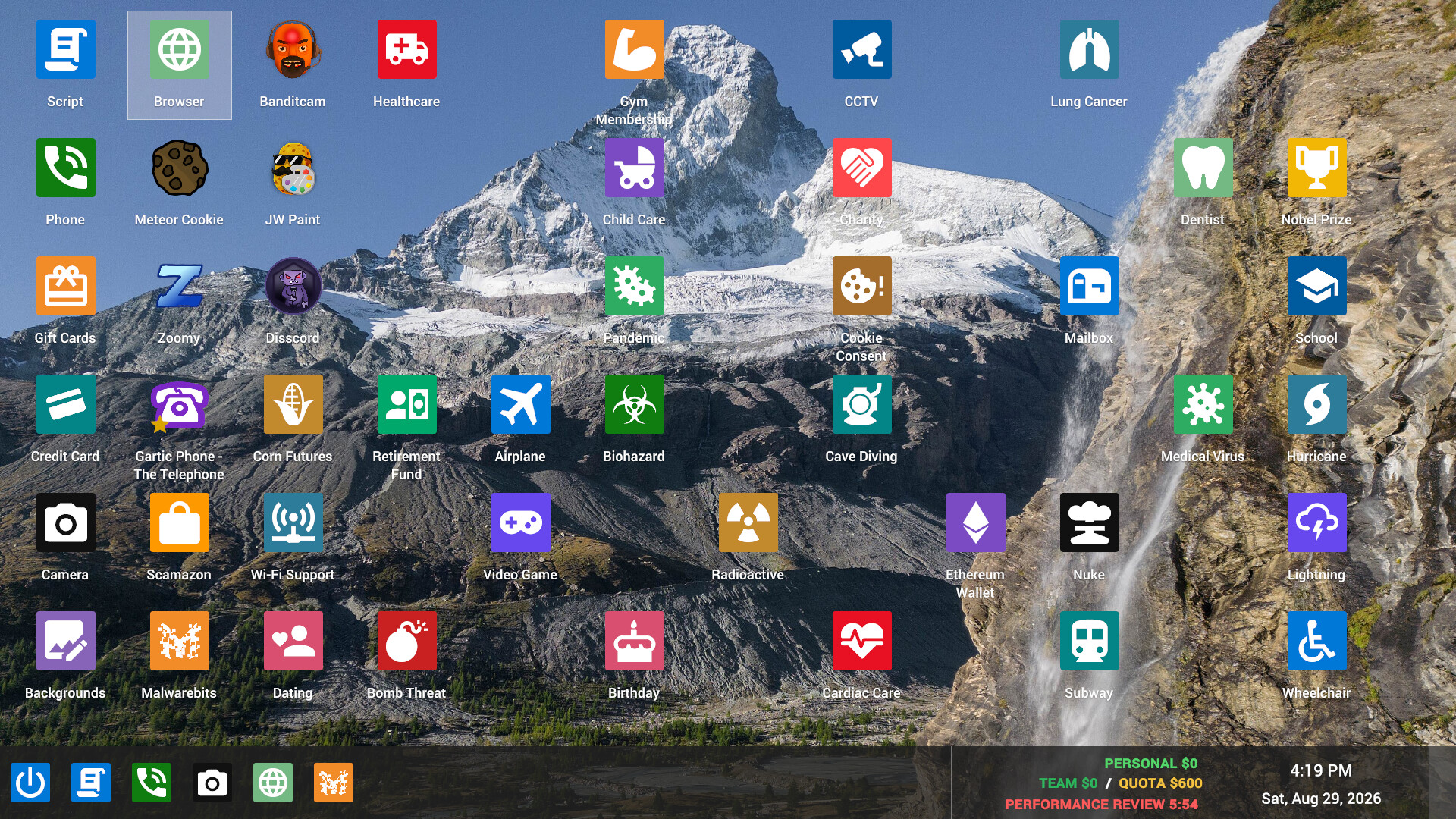
Find your way around the desktop tools
Alongside Phone, the desktop includes an Identity application and a remote-access tool. The fictional caller supplies a connection code for remote access, which lets you inspect their computer for personal information. Keep the caller's dialogue in mind while using that information so your conversation stays coherent.
The Camera window shows activity around the office, and the game also includes a paint app and screen recorder. For your first workday, give each tool a purpose before spending time with it. Keep your attention on the active conversation and the group's objective, using the office view when you need to see what is happening around you.
What can derail the workday?
Missing the daily quota can end a run with the team being fired. Keep that consequence in mind when the office gets chaotic or a conversation draws your attention away from the shared target. Refocus on completing the current task, and communicate with your teammates if you need help keeping the day productive.
Scambaiters can cause computer viruses, and workplace hazards include police raids, air strikes and other disasters. Stay aware of office activity as well as the caller's conversation. If trouble demands attention, tell your teammates what you are seeing so you can respond together.
Carry useful habits into the next workday
Progressing through workdays unlocks further scams, and runs become increasingly chaotic. Use the opening workday to get comfortable following a caller, reading trust feedback, using the desktop and checking team progress. Those habits give you a clear way to approach the next day as the range of schemes expands.